Jewellery / 4 min read
How to photograph necklaces for different necklines
Photograph necklaces across different necklines with consistent scale, clear styling comparisons and accurate product details for your jewellery showroom.
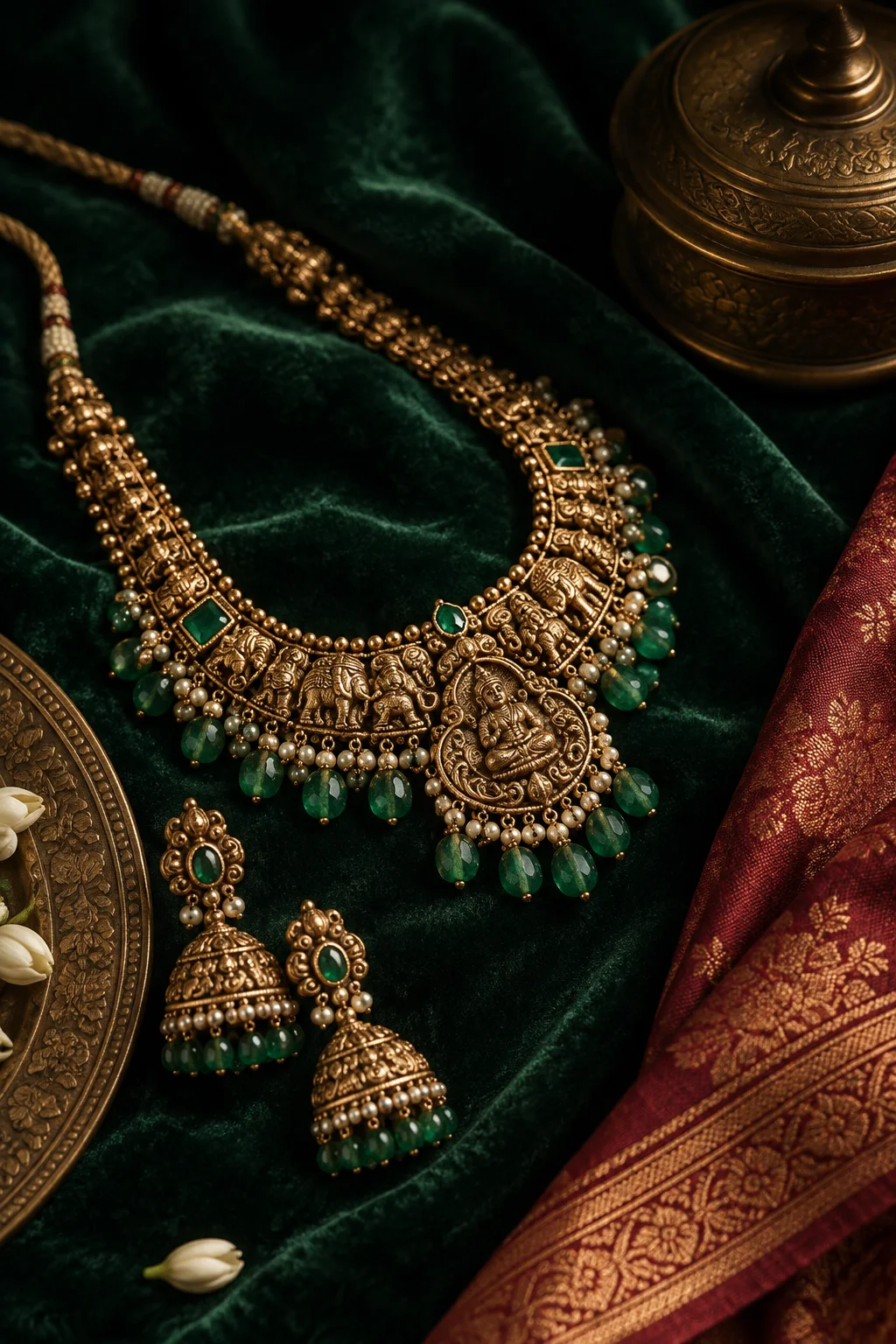
Choose a comparison worth making
Select two or three necklines that reveal a genuine difference in how the necklace sits. Use a neutral garment so embroidery and colour do not dominate the frame. Decide what the photograph is explaining: length, pendant placement or the space around the collar. A comparison is stronger when it answers one question. Avoid framing one neckline as correct for every customer; personal preference and the exact garment matter.
Keep the setup consistent
Use the same person or display, camera distance and light for every image. If one shot is much closer, the necklace may look larger for reasons unrelated to the product. Keep posture relaxed and the fabric arranged naturally. Check that clasps and supports do not pull the piece into a position it will not hold in normal wear. Photograph a full view before any detail.
Explain what changes
Caption the visible difference in ordinary language. A pendant may sit below one neckline and within another; a collar may leave more room for a layered piece. Include verified length or adjustable range when useful. Do not infer comfort from appearance or promise that every body type will produce the same result. If the styling uses a separate extender or accessory, say so.
Keep product facts separate from styling opinion
Material, measurements and included components are facts that need store approval. Styling suggestions are options. This distinction helps a customer understand what is being sold and what is simply an interpretation. Avoid implying that photographed clothing or other jewellery is included. Before publishing, have the team confirm the product identifier and availability.
Edit with restraint
Preserve the necklace’s shape, scale and colour across the set. Do not stretch an image to change where a pendant falls. Export matching crops and review them side by side on a phone. The result should let someone describe the difference without a lengthy explanation. Keep originals so future captions can be checked against the actual shoot.
Build a three-image comparison a customer can use
For an illustrative shoot, choose one necklace and show it against an open neckline, a high neckline and a softly draped neckline. Keep the framing from the shoulders to just below the necklace in each image. Add a separate full-length view if the garment changes the overall balance. Label the garment style rather than calling the looks good, better and best. A customer comparing the images should be able to see where the pendant falls and whether the neckline interrupts its outline. The aim is a fair comparison of one piece, not three unrelated fashion photographs.
Write a caption that answers the next question
An example caption might read: “The same necklace, shown with three necklines. The open neckline leaves space around the pendant; the high neckline places it against the fabric. Swipe to compare the placement.” Follow that with the exact product identifier and a store-confirmed measurement if available. Do not invent a length to make the example feel complete. If an extender was used in one image, identify that change alongside the photograph. This gives the person answering an enquiry a clear reference and avoids a conversation that begins with confusion over which piece was shown.
Check the set before choosing the cover
Lay the exported photographs next to each other. Are the shoulders and necklace the same size in all three? Is the metal colour consistent? Can the pendant still be seen at a normal phone viewing size? If a crop hides the neckline, the comparison has lost its purpose. Choose a cover that makes the subject clear, then keep the other views easy to compare. For a related starting point, the Journal’s jewellery photography guide explains the broader colour and reflection checks that belong in the same shoot. A styling comparison works best when the underlying product photographs remain accurate.
Before you publish
A small final check.
- Same camera and light across comparisons
- Verified necklace length
- Separate accessories identified
With Srajan
Bring more of your world into view.
Explore how Srajan approaches creative work for jewellery businesses.
Explore our jewellery workJewellery · 3 min read
Instagram content ideas for jewellery stores: beyond the product shot
A considered collection of ways to show the detail, wearability and expertise a catalogue photograph leaves out.
Read the article: Instagram content ideas for jewellery stores: beyond the product shot
Jewellery · 3 min read
Jewellery reel ideas that show more than sparkle
Six simple visual subjects for a clearer, more useful jewellery film.
Read the article: Jewellery reel ideas that show more than sparkle